
TL;DR
- Safe prompting minimises the risk of data leaks and hallucinations - always describe tasks in general terms and anonymise examples.
- Human-in-the-loop - a human must always be in the loop. Never make HR, legal or business decisions solely on the basis of AI.
- Always verify every AI output for facts, errors, confidentiality and compliance with company standards.
- In case of doubt - consult your manager, IT, a lawyer or the DPO before you start.
- Pasted confidential data by mistake? Report the incident immediately - a quick reaction is crucial.
5 rules worth remembering:
- Use AI as an assistant, not an oracle.
- Do not paste confidential data into unapproved tools.
- Verify everything before use.
- At the slightest doubt - ask.
- Responsibility always lies with the human.
How to write safe prompts - best practices
Why the way you ask a question matters so much
Safe prompting is one of the most underrated yet most effective skills in working with AI. A well-written prompt not only improves the quality of answers, but above all minimises the risk of leaking confidential data and protects you from unnecessary hallucinations.
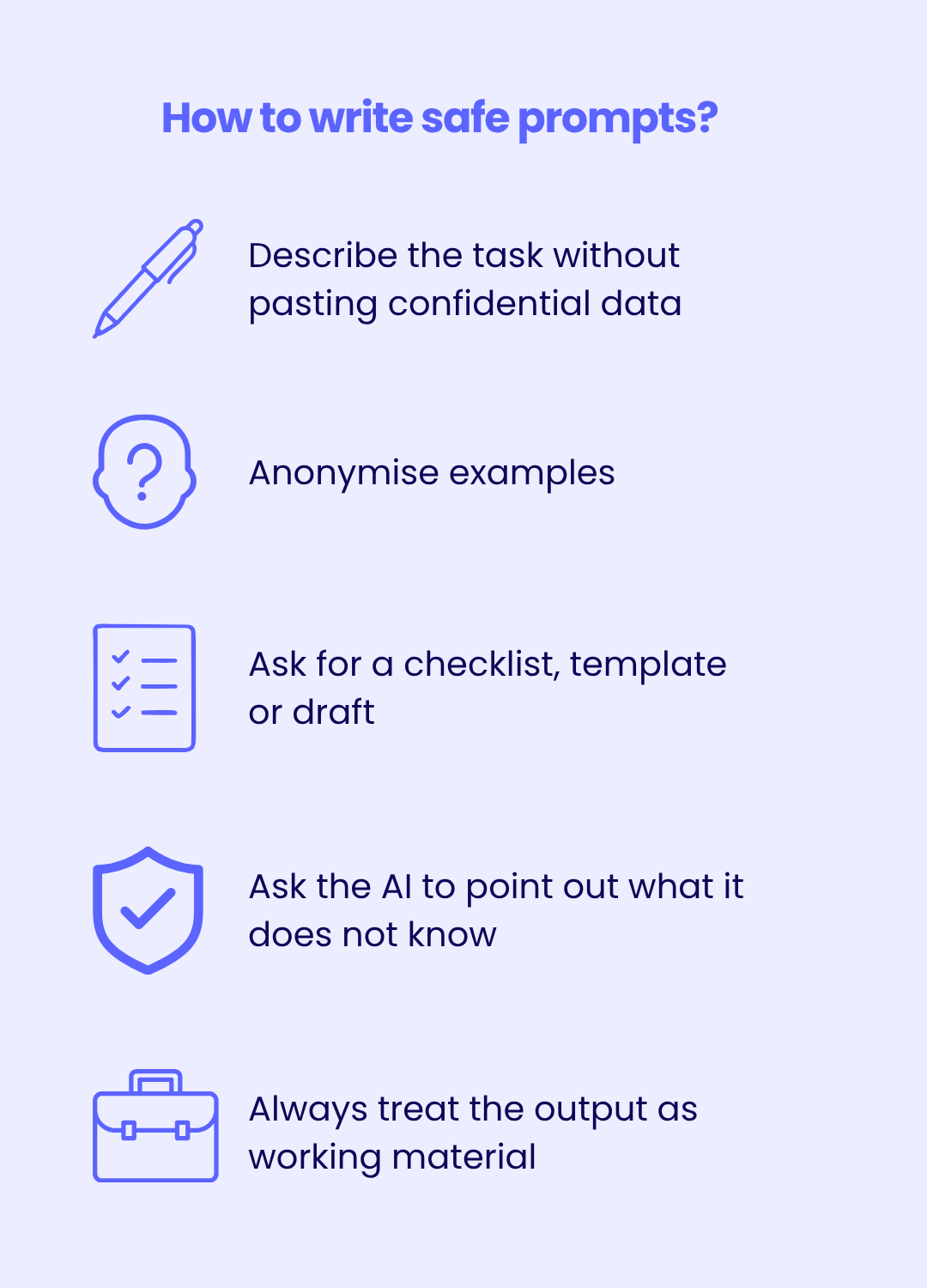
Below you will find 5 proven rules of safe prompting that follow directly from the organisation's official security policy:
- Describe the task without pasting confidential data: often a general description of the situation is enough. Instead of pasting a specific document or email, describe the problem in the abstract.
- Anonymise examples: instead of real client, employee, project or data names - use fictional ones (e.g. "Client A", "Project X", "Employee Y").
- Ask for a checklist, template or draft (never for a ready-made decision): instead of "decide for me", ask: "prepare a neutral feedback template" or "create a risk checklist".
- Ask the AI to point out what it does not know and what is worth verifying independently: add at the end of the prompt: "Indicate what information you are missing and what I should check myself".
- Always treat the output as working material, not a finished document: AI is meant to be a help, not the final product. Every text requires your final editing and substantive, linguistic and reputational verification.
Examples of good vs bad prompts
The best way to understand the rules of safe AI use is to see them in practice.
| Bad (risky) | Better (safe) |
|---|---|
| "Analyse this contract with client XYZ and point out the risks" | "Prepare a general risk checklist for a typical service agreement" |
| "Evaluate this employee based on this data from the HR system" | "Help me put together a neutral feedback template for an employee" |
| Pasting a stack trace with URLs, tokens and production data | Describing the error in words, without environment data |
| "Write a reply to the client based on this correspondence" (with the email history pasted in) | "Write a template reply to a complaint about a delivery delay" |
The first column shows examples of prompts with real client or employee data or contracts, which is prohibited. The second contains anonymised descriptions in which you only ask for a template or checklist. The result will be very similar, but the risk of a data leak drops to almost zero.
By choosing generality over specifics every time you work with AI, you automatically act in line with the organisation's security policy.
Now that you can see the difference in practice, it is time to learn how to decide for yourself about the data you enter.
How to decide what data to enter into artificial intelligence?
Before you paste anything into ChatGPT, Copilot, Gemini or any other AI tool, ask yourself four questions:
- Does the data contain confidential, personal or non-public information?
- Does the result affect a client, employee, business decision or security?
- Are you using an approved corporate tool?
- Will you verify the result before use?
When is it worth stopping and consulting immediately?
Stop and consult if:
- you answer "yes" or "I don't know" to question 1 or 2,
- you answer "no" or "I don't know" to question 3,
- you answer "no" to question 4.
In that case, do not paste any data and first talk to your manager, the IT/security team or the process owner.
Can decisions be made on the basis of AI?
Decisions cannot be made solely on the basis of AI. Artificial intelligence is very helpful, but it must always operate under full human supervision. Without separate rules and additional approval from the organisation, AI must not be used for any decisions that affect people, finances, security or the company's image.
AI is not for:
- HR decisions (hiring, dismissal, employee evaluation, promotion),
- assessing candidates for positions,
- independent legal analysis,
- external publications (announcements, posts, offers, reports) without human review,
- handling security incidents outside an approved process.
AI can be helpful, but it cannot operate without supervision. This means that:
- every AI output requires assessment and verification before use or before being passed on,
- we do not make decisions solely on the basis of an AI answer,
- AI can be wrong even when the answer sounds confident and detailed,
- responsibility for the output used rests solely with the employee who applied it.
Before further use, AI-generated content must be checked not only for substance, but also linguistically, reputationally and for compliance with internal standards - especially in communication with clients.
How to verify and evaluate AI answers?
Always verify every AI output before use. Because, as we mentioned earlier, AI is only a supporting tool, you can never take it at its word.
Before using or passing on an answer generated by artificial intelligence, check four things:
- Is the content consistent with the facts? Compare the answer with official sources, company documents or your own expert knowledge.
- Does it contain errors or made-up information? AI can hallucinate, i.e. invent non-existent data, quotes or solutions that sound very convincing.
- Does it reveal anything it should not? Make sure the answer does not contain accidentally generated confidential details or data that must not be shared.
- Is it fit for the purpose you want to use it for? Check linguistic and reputational compliance and alignment with internal company standards (especially in emails and client communication).
Remember the human-in-the-loop principle! AI can be wrong even when it sounds confident and detailed, but responsibility for the content, the decision and compliance with the rules always rests with the employee.
Who to turn to in the company in case of doubt?
It is better not to guess if you have even the slightest doubt about whether you can use AI for a specific task. A quick consultation is always better than a later security incident. Depending on the type of task, talk to:
- Your manager - on matters of job scope and the admissibility of using AI.
- The process owner - when the matter concerns a specific project, system or business process.
- The IT/Security team - for technical doubts, access to tools, usage rules or safeguards.
- The legal department - when the matter concerns contracts, NDAs, trade secrets or intellectual property.
- The data protection officer (DPO) - for any doubts about personal data, GDPR or the processing of sensitive data.
What to do if you paste confidential data by mistake?
Mistakes happen, so you must report the incident immediately. Do not wait, do not hide it, because the faster the reaction, the lower the risk for the whole organisation.
- Report the incident without delay: notify your manager and the security/IT team.
- Do not wait and do not hide the mistake: the faster the reaction, the easier it is to minimise the consequences. Hiding an incident only increases the risk for the company, its clients and your own position.
- Document everything: what was pasted, into which AI tool, at what time and in what context.
A quick reaction and a transparent incident report are the only right way to go. This allows the security team to take appropriate steps immediately (e.g. removing data from the model, notifying the tool provider, etc.).
Companies now monitor network traffic and are able to precisely identify every unauthorised data disclosure, so it is better to report an incident yourself than to wait for it to be detected.
Summary - the 5 most important rules of safe AI use
Here are the 5 most important rules that should become your daily compass when working with ChatGPT, Copilot, Gemini, Claude or Grok in 2026.
By sticking to them, you simultaneously maximise the benefits of AI and minimise the risk to the company, its clients and your own responsibility.
- Use AI as a supporting tool. AI is support, not the ultimate authority. Never treat it as an expert that replaces your decisions.
- Do not paste personal or confidential data into unapproved tools. Company, client and personal data, contracts, source code or strategic information - only in an approved corporate tool (Business/Enterprise).
- Verify every output before use. Always check the facts, look for hallucinations and make sure the content complies with internal standards.
- In case of doubt - ask before you start. Do not guess. A quick consultation with your manager, IT, a lawyer or the DPO is always better than a later incident.
- Responsibility always lies with the human. AI bears no responsibility - you and the organisation bear it 100%. Every text, decision and message must have final human approval.
Remember that, for the good of the organisation, the teams managing network infrastructure carry out continuous traffic monitoring and are able to precisely identify the source of any unauthorised disclosure of company data. Every breach of the rules leaves a trace.
By applying these 5 rules every day, you take care not only of the company's security, but also of your own peace of mind and professionalism.
FAQ - the most common questions about AI at work
Below you will find answers to the most frequently asked questions about the safe use of AI in 2026.
Does ChatGPT (or other public AI) store data and use it to train models?
Yes, in the private version (Free or Plus) content may be used to improve models, depending on the account settings. That is why you should never paste confidential, company or personal data there. Only a corporate account (Business/Enterprise) does not use your business data to train systems by default.
Can AI disclose company data?
Yes, if you paste it in. Public AI tools do not guarantee full confidentiality. That is why company, client data, contracts, source code or strategic information may only be entered into an approved corporate tool.
Can AI be used to write emails?
Yes, but only in a safe way. You can ask for templates, drafts or text editing without pasting confidential content. Always anonymise data and verify the final version before sending (check the facts, tone and consistency with the company's image).
Is AI GDPR-compliant?
Only when you follow the rules. Entering personal data into public AI tools is a GDPR breach. Personal data may only be processed in approved corporate tools with appropriate safeguards.
Can you use a private ChatGPT account at work?
For general, non-confidential tasks - yes. For any company, client, personal or non-public data - absolutely not. In that case a corporate account is required.
Start with the basics: if you are just rolling out AI rules, read Safe Use of AI at Work - Rules, Risks and Best Practices first.